Product Reviews · Vehicle Marketplaces
Autoline Review: Your Next Commercial Vehicle Search Starts Here
Find the category. Build a shortlist. Start a focused conversation with the seller.
Looking for a truck, trailer or commercial vehicle that fits your next job? Start by turning your requirements into a clear search. Autoline brings commercial-vehicle categories and seller listings together, giving buyers a place to explore offers and make direct enquiries.
Whether you are planning a delivery fleet, looking for a specialist vehicle or sourcing a replacement component, its category structure provides a practical starting point. This review explains the verified platform tools and shows how to use them with a purposeful buying brief.
Start with the vehicle category that matches your transport work.
BROWSE AUTOLINE NOW →Explore live listings and confirm current details with the relevant seller.
What Is Autoline?
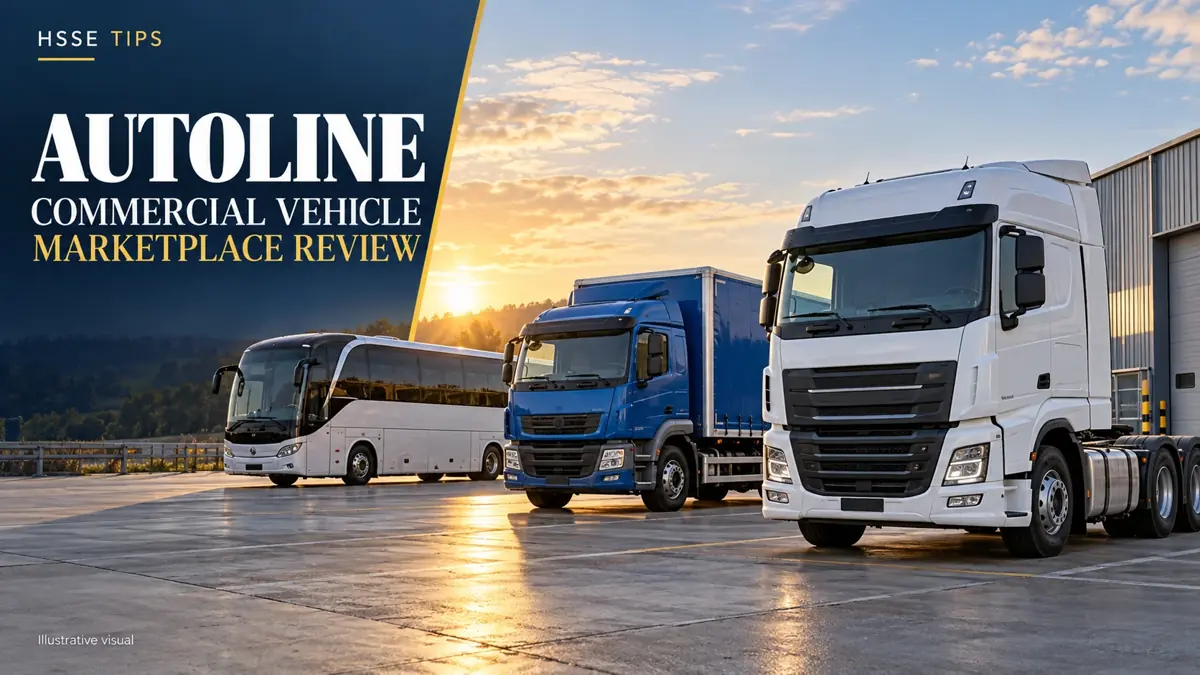
Autoline is an online marketplace for commercial vehicles, trucks and spare parts within Linemedia’s group of specialist marketplaces. Its official information describes an international service connecting vehicle buyers and sellers.
For this review, the useful question is simple: how can its tools help you move from a broad search to a relevant seller enquiry? The answer starts with categories, comparison tools and listing information.
Choose the Category That Matches the Job
The homepage includes trucks, tractor units, vans, semi-trailers, trailers, buses and municipal vehicles. It also provides categories for cars, campers, equipment and spare parts.
| Your search | A useful starting category |
|---|---|
| Goods delivery or distribution | Box trucks, cargo vans or refrigerated trucks |
| Trailer-based haulage | Tractor units and semi-trailers |
| Passenger transport | Buses and coaches |
| Municipal or specialist work | Road sweepers, garbage trucks or fire trucks |
| Vehicle maintenance | Spare parts, tyres and wheels |
These examples help organise a search. The suitability of a particular vehicle comes from its specifications and the work you intend to perform.
Search Tools That Help Build a Shortlist
Autoline’s official homepage describes filters, sorting, comparison, favourites and seller reviews. These features help you organise options before contacting a seller.
Start With Your Working Requirements
Write down the vehicle type, required body, expected load, budget and collection destination. For a passenger vehicle, include seating needs; for temperature-controlled transport, include the required refrigeration arrangement. This turns browsing into a defined search.
Compare Like-for-Like Offers
Put the important listing details side by side: year, mileage, body configuration, location and advertised price basis. Keep favourites for offers you want to revisit and use the comparison tools where available.
A shortlist of three relevant vehicles is often easier to discuss than a long list of unrelated models. Send each seller the same questions so you can assess the replies consistently.
Explore categories, shortlist relevant offers and open the seller’s listing.
FIND VEHICLES FOR YOUR BUSINESS →Explore live listings and confirm current details with the relevant seller.
Spare-Parts Search by Part Number
Autoline’s official blog confirms that buyers can search for spare parts by part number, alongside the part name, vehicle make or model. This is useful when you already have a component reference from a label, packaging or manufacturer catalogue.
Use the precise number when searching, then confirm compatibility with the seller using the vehicle’s configuration or VIN. A service centre or dealer can help identify the required reference.
Direct Seller Enquiries and Search Notifications
Autoline’s help pages explain that buyers contact the seller identified in the listing. They also describe automatic translation of messages sent through the contact form, helping buyers and sellers communicate across languages.
If you want to follow a particular search, the platform documents email subscriptions for matching ads. Save the relevant parameters and use the subscription option in the ads list where offered.
Vehicle purchase, collection and delivery arrangements are agreed with the seller or the appropriate service provider. Include your destination and required timing when requesting the quotation.
Published Guidance for an Informed Purchase
Autoline publishes buyer guidance covering seller identification, offer comparison, vehicle condition, documents and transaction terms. These are useful steps to include in your purchase process:
- Identify the seller: confirm the company and contact details for the advertised vehicle.
- Review the vehicle: arrange an inspection where practical and request a condition report and relevant documents.
- Agree the transaction: read the proposed contract and verify the payment details before transferring funds.
- Plan the handover: confirm what is supplied, the collection location and the agreed delivery responsibilities.
For a vehicle’s safety equipment, use the exact model, production year and VIN to obtain manufacturer documentation. Ask the seller to demonstrate installed systems and provide the applicable inspection records. This keeps the enquiry tied to the vehicle you are actually considering.
For Dealers: Present Your Stock in One Place
Autoline’s official dealer information describes company pages, seller-directory inclusion, listing photographs and videos, and a range of PRO-account services. Depending on the selected package, these include stock import/export, statistics, subscriber mailings and personal manager support.
Dealers can discuss the current package terms with Autoline. Buyers can use a company page to explore that seller’s stock and contact information while researching individual offers.
See an Example of a Chassis-Truck Enquiry
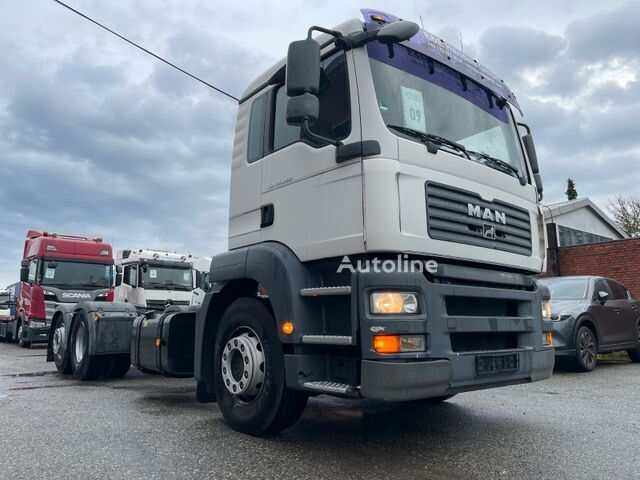
Our MAN TGA 26.360 chassis truck review shows how listing specifications can become a focused body-installation conversation. It covers engine power, gearbox, axle layout and weight planning.
Watch a Manufacturer’s Truck-Production Film
This official MAN Truck & Bus film provides general background on truck production. It is not an Autoline tutorial, an endorsement of the marketplace or a demonstration of any listed sale vehicle.
Our Review Verdict
Autoline offers a useful place to begin a commercial-vehicle or spare-parts search. Its strength for a buyer lies in organising the enquiry: select a category, narrow the offers, review seller information and ask questions linked to your intended work.
Start with a clear brief and build a manageable shortlist. Then use the vehicle documents, seller replies and an agreed inspection to move towards a purchase that fits your business.
Explore current commercial-vehicle and spare-parts offers on Autoline.
EXPLORE AUTOLINE LISTINGS →Explore live listings and confirm current details with the relevant seller.
Frequently Asked Questions
Does Autoline sell the vehicles itself?
Its help pages explain that Linemedia provides advertising services. Contact the seller identified in the individual offer for vehicle details and purchase arrangements.
Can I search for a component using a part number?
Yes. Autoline documents part-number searches alongside searches by name, make and model. Confirm the selected component’s compatibility before ordering.
Can I receive notifications about matching offers?
Autoline describes email subscriptions based on search parameters. Use the relevant subscription controls when browsing the ads list.
Is there one price for using Autoline?
Vehicle prices belong to individual offers. Dealer advertising and PRO-account services have separate package terms; request current information for the service you need.
Sources and Editorial Information
- Autoline: marketplace categories and search tools
- Autoline: official platform information
- Autoline: buyer tools, subscriptions and contact guidance
- Autoline: published buyer and account guidance
- Autoline: part-number search announcement
- Autoline: dealer services and PRO accounts
Researched on 9 October 2026. Platform tools and seller offers may change. This review uses official Autoline material and does not assign a fabricated test score or vehicle inspection rating.
HSSE TIPS — Worksite Safety Hub
Every Task. Every Person. Home Safe.
Your experience matters
Share your thoughts on this page
Have a question, a useful experience or a suggestion? Add your input below.
Comments are public. Keep them respectful and relevant. Do not share contact details, confidential information or emergency reports.
Comments on this page
Loading comments…